How to Read a Trail Map (And Not Get Lost)
There are colored lines, symbols, contour lines, numbers, intersections, peaks, streams, roads, and names that mean absolutely nothing when you’re sitting at home. Once you’re actually on the trail, things can become even more confusing. The obvious path splits into three directions, your phone has no signal, and suddenly that little map deserves much more attention.
By Gabby Marsh on October 8, 2026
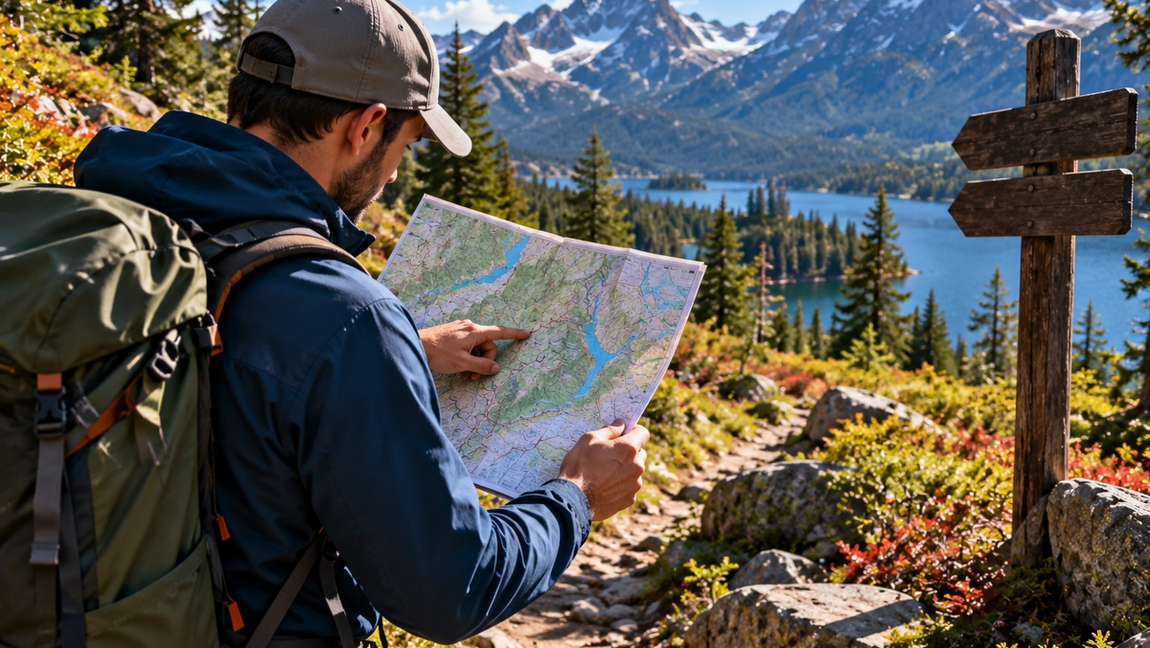
Trail maps can look strangely intimidating when you first open one.
There are colored lines, symbols, contour lines, numbers, intersections, peaks, streams, roads, and names that mean absolutely nothing when you’re sitting at home. Once you’re actually on the trail, things can become even more confusing. The obvious path splits into three directions, your phone has no signal, and suddenly that little map deserves much more attention.
Fortunately, you don’t need to become an expert navigator to understand the basics.
A good trail map tells you much more than where the trail goes. It can show you how steep the terrain is, where routes intersect, which landmarks you’ll pass, where water may be located, and how to recognize when you’ve gone the wrong way.
The important part is learning to read it before you need it.
Start with the legend
Before trying to understand the map itself, find the legend or key.
The legend explains what the map’s colors, lines, and symbols represent. One type of line might indicate a hiking trail, another a road, and another a park boundary. Symbols may identify campsites, shelters, viewpoints, parking areas, toilets, water sources, or visitor centers.
Don’t assume every map uses identical symbols.
Maps produced by different parks, hiking organizations, and navigation apps can represent features differently.
You should also find the map’s scale. Scale tells you how distances on the map translate into distances on the ground.
A trail that looks extremely short on your screen may still involve several kilometers of walking.
Learn what contour lines are telling you
Contour lines are one of the most useful parts of a topographic map.
Each line connects points at the same elevation. When the lines are far apart, the terrain is generally more gradual. When they’re packed tightly together, the terrain is steeper.
This allows you to see the shape of the landscape even though the map itself is flat.
Imagine your route crosses ten contour lines over a short horizontal distance. You’re probably going to climb or descend fairly steeply. If those same elevation changes happen over several kilometers, the slope will usually feel much gentler.
This matters because distance alone doesn’t determine hiking difficulty.
Five flat kilometers and five kilometers climbing steeply toward a summit are completely different experiences.
Once you learn to notice contour lines, a trail map starts revealing what the hike may actually feel like.
Know which direction you’re facing
Most maps are oriented with north at the top, although you should always check.
Knowing where north is helps you connect the map to the landscape around you.
If you’re using a paper map, a compass can help you orient it so the features shown on the map line up with their actual directions. Once the map is correctly oriented, understanding your surroundings becomes much easier.
Digital navigation apps often rotate maps automatically or display your direction of travel. That’s convenient, but it’s still useful to understand the basic concept.
If the lake should be east of the trail and you’re looking at it on your left while walking north, that information helps confirm your position.
Navigation becomes much easier when you stop seeing the map as a picture and start matching it to the physical world around you.
Look for landmarks, not just the trail line
Beginners often stare at the route itself and ignore everything surrounding it.
But nearby features can help confirm exactly where you are.
A river crossing, lake, mountain ridge, road, bridge, shelter, sharp turn, or major trail intersection can act as a checkpoint.
Before starting, identify several obvious landmarks along your route.
You might expect to cross a stream after the first section, reach a junction later, walk beside a lake, and eventually climb toward a ridge.
As you encounter each feature, you can confirm that your progress matches the map.
This is much safer than walking for hours and only checking your location once you’re already confused.
Understand trail junctions before you reach them
Intersections are where many navigation mistakes happen.
A clearly defined trail suddenly splits, and both directions look equally convincing.
Before the hike, identify major junctions on the map and note which direction your route takes.
When you reach one, stop.
Check the map rather than automatically following the trail that looks wider or more popular. Trail signs can help, but signs can be missing, damaged, confusing, or oriented differently from what you expected.
After choosing a direction, check your navigation again after walking a short distance.
Catching a wrong turn after five minutes is mildly annoying.
Catching it after an hour can completely change your day.
Don’t depend entirely on cell service
Your phone can be an excellent navigation tool.
But having a mapping app doesn’t guarantee that the map will load when you’re deep in the mountains.
Download the relevant map for offline use before leaving reliable internet coverage. Make sure your phone is fully charged, and consider carrying a portable battery, especially on longer hikes.
Using airplane mode or limiting unnecessary phone activity can also help preserve battery life.
For remote, difficult, or multi-day routes, relying on a single electronic device isn’t ideal. A paper map and compass can provide a useful backup, but only if you understand how to use them.
The best backup navigation tool is one you’ve practiced with before the emergency begins.
Check your position regularly
One of the easiest ways to avoid getting seriously lost is to notice small mistakes early.
Don’t wait until something feels wrong.
Check your location periodically throughout the hike, especially after junctions, major turns, river crossings, or other significant landmarks.
Ask simple questions.
Does the landscape around you match the map? Should you still be climbing? Should the river be on this side? Have you already passed the intersection you were expecting?
Navigation is mostly a process of repeatedly confirming that reality matches your expectations.
If it doesn’t, investigate immediately.
Know what to do when the map stops making sense
Eventually, almost every hiker experiences the uncomfortable moment when the trail and the map seem to disagree.
Don’t keep walking randomly hoping everything will become obvious again.
Stop and think about the last location where you were confident about your position.
Look for recognizable features. Check your map, compass, GPS, or offline navigation. If you realize you’ve taken the wrong trail and can safely retrace your steps, returning to the last known point is often better than attempting an improvised shortcut.
Cutting directly through unfamiliar terrain to reconnect with another trail can introduce cliffs, rivers, thick vegetation, unstable ground, or other hazards that aren’t obvious from your position.
Being temporarily uncertain is manageable.
Continuing confidently in the wrong direction is how a small navigation mistake becomes a serious problem.
Read the map before you start walking
The best time to understand a trail map isn’t when you’re already lost.
Look at the route beforehand.
Notice the major turns, elevation changes, intersections, landmarks, potential water sources, alternative routes, and the point where you should turn around if you’re running behind schedule.
Then, when you’re actually hiking, the landscape won’t feel completely unfamiliar.
You’ll recognize pieces of the journey as they appear.
A trail map isn’t just something you open when something goes wrong.
It’s a picture of the trip before you take it.
Learn to read that picture, check it regularly, and getting lost becomes much less likely in the first place.